Animating diagrams

How do I animate diagrams in Miradi Share so that I can show only portions of a diagram rather than the entire diagram all at once?
1
-

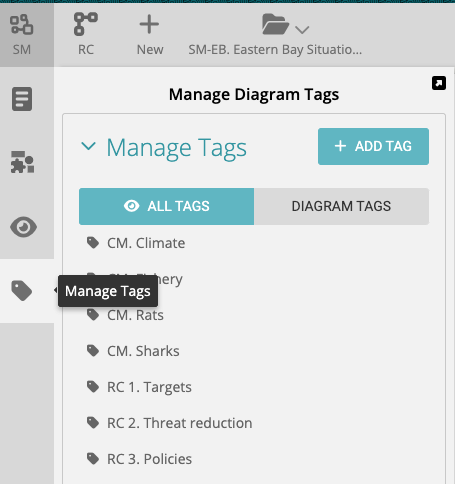
You can use the "Tag" feature in Miradi diagrams to create a set of tags for animating your diagrams. Create and manage tags using the Tag tool on the left of the diagram.
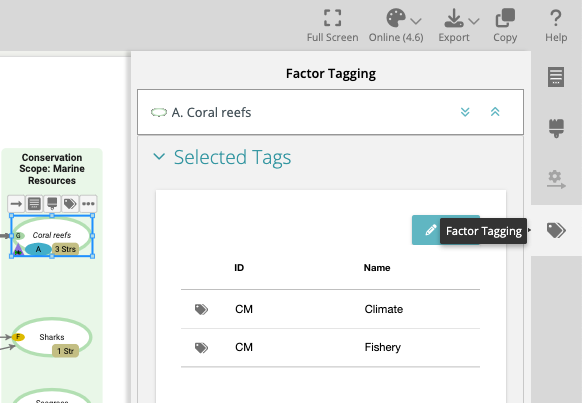
Apply tags to specific sets of factors using the Factor Tags tool on the right of the diagram canvas.
Check out this short video to see how to use Tags to animate diagrams and how to export the images for presentation in a slide show (e.g. PowerPoint or Google Slides).
1
Please sign in to leave a comment.
Comments
1 comment